HARDPASS. Run Windows apps and games on Linux.
Leave Windows. Keep the apps.
Run the Windows apps and devices you rely on, right on your Linux desktop.
No credit card • No account
Why HARDPASS
Do what Proton and dual boot can't.
Performance
Run Windows drivers and applications with your GPU and CPU. Benchmarks land around 95% of bare metal.
No Reboots
Start Windows from your Linux desktop, do the thing, shut it down. You're right back where you left off.
Isolation
It sees the drives and devices you hand it, and nothing else. Your Linux partitions and data won't be lost by a Windows update.
Real Workflows
15 alpha testers and counting, 70+ people on our Discord. Here's what they're running.
Tablets & Interfaces
Creative Pros
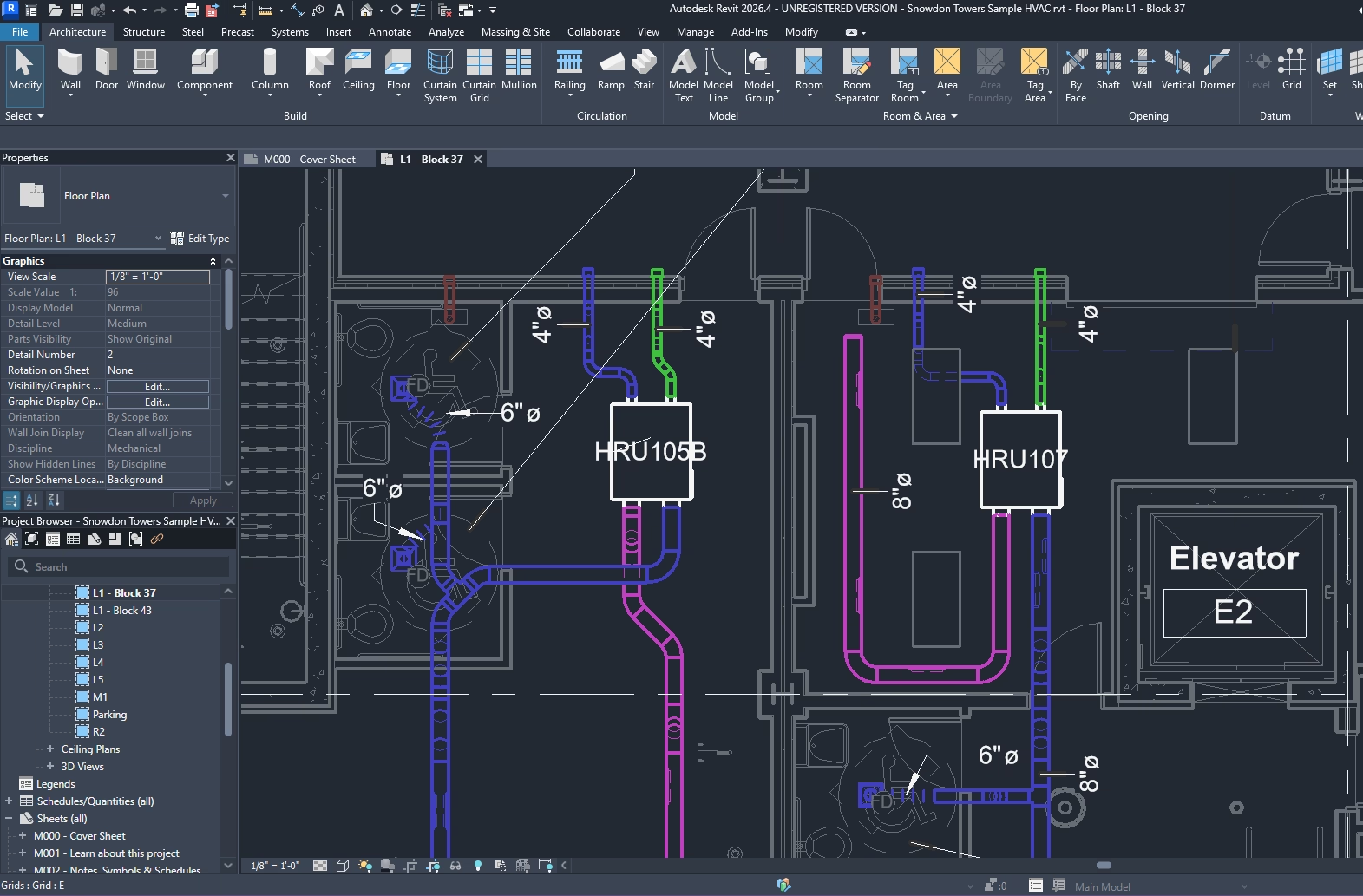
The full Adobe suite, plus the peripherals that rarely survive the move off Windows. Tablets keep pressure and tilt. Audio interfaces keep their own drivers, which is the difference between latency you can work with and latency you can't.
Windows-Only Instruments
Lab and Bench
The bench instrument whose driver only ever came as a Windows executable connects like it always has. The vendor software sees the instrument and nothing else.
Local Toolchains
Developers
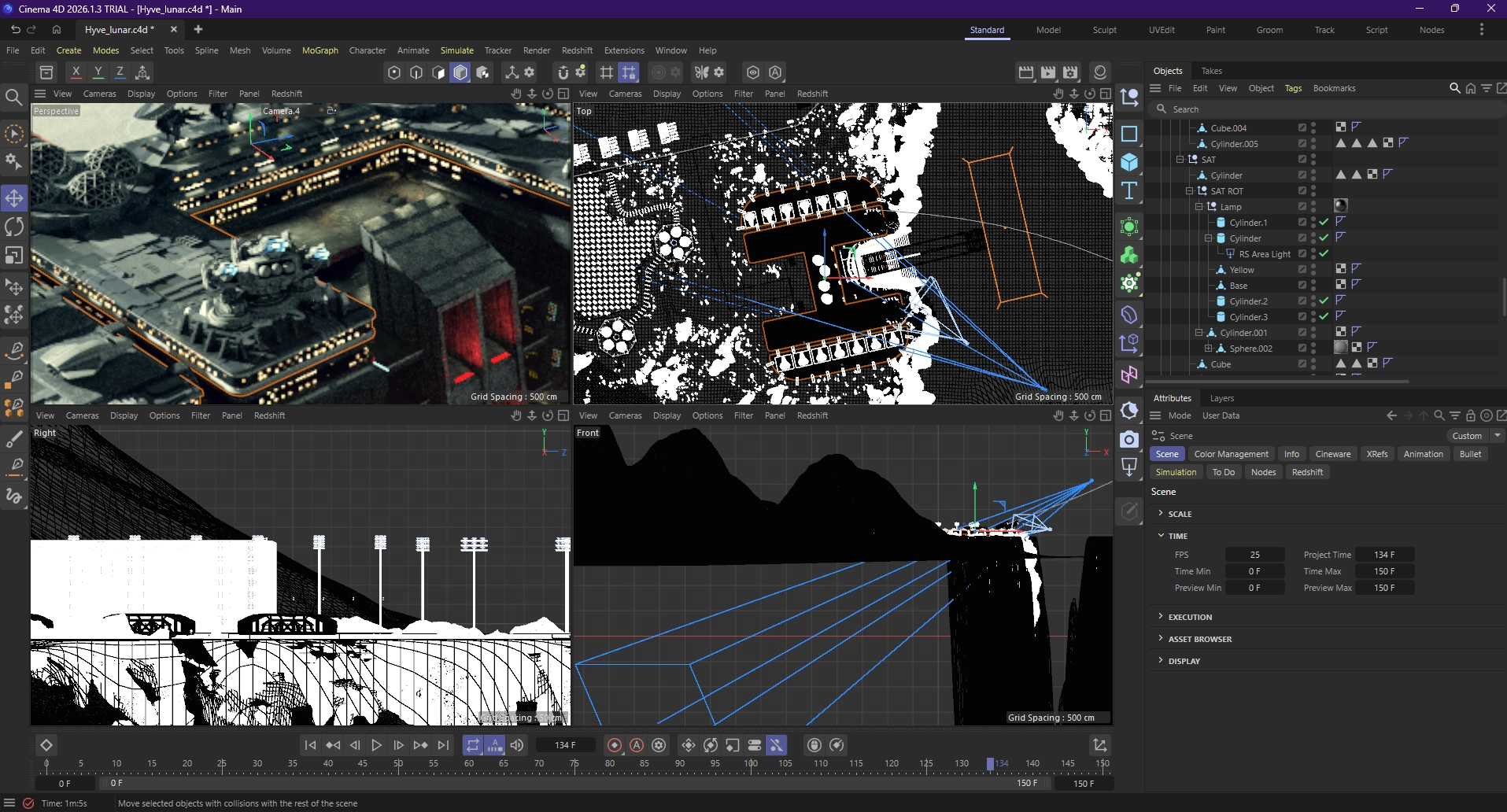
Visual Studio, .NET and the Android toolchain on one side, your Linux shell on the other, both on the same machine and both offline.
Wheels & VR
Gamers
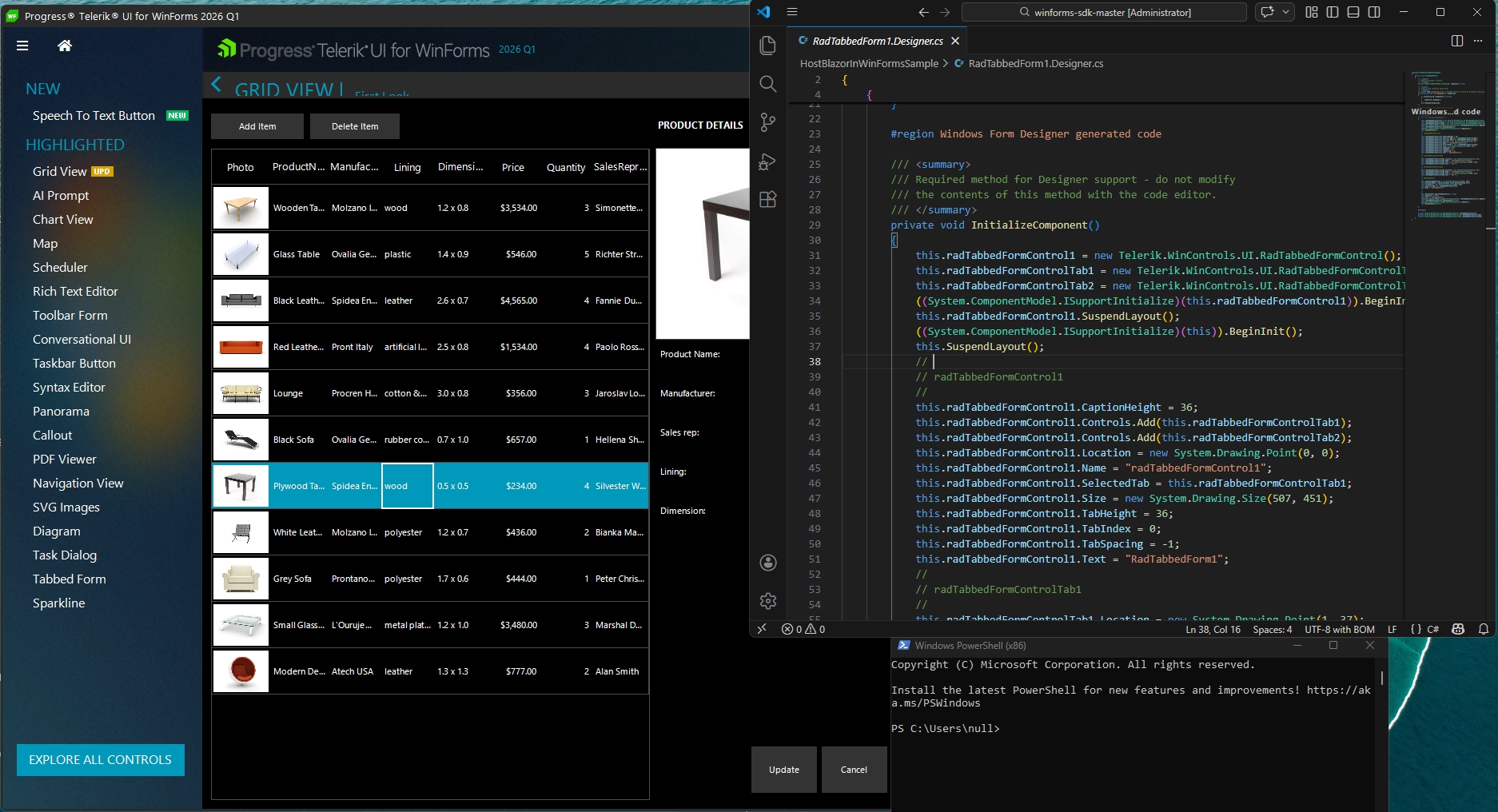
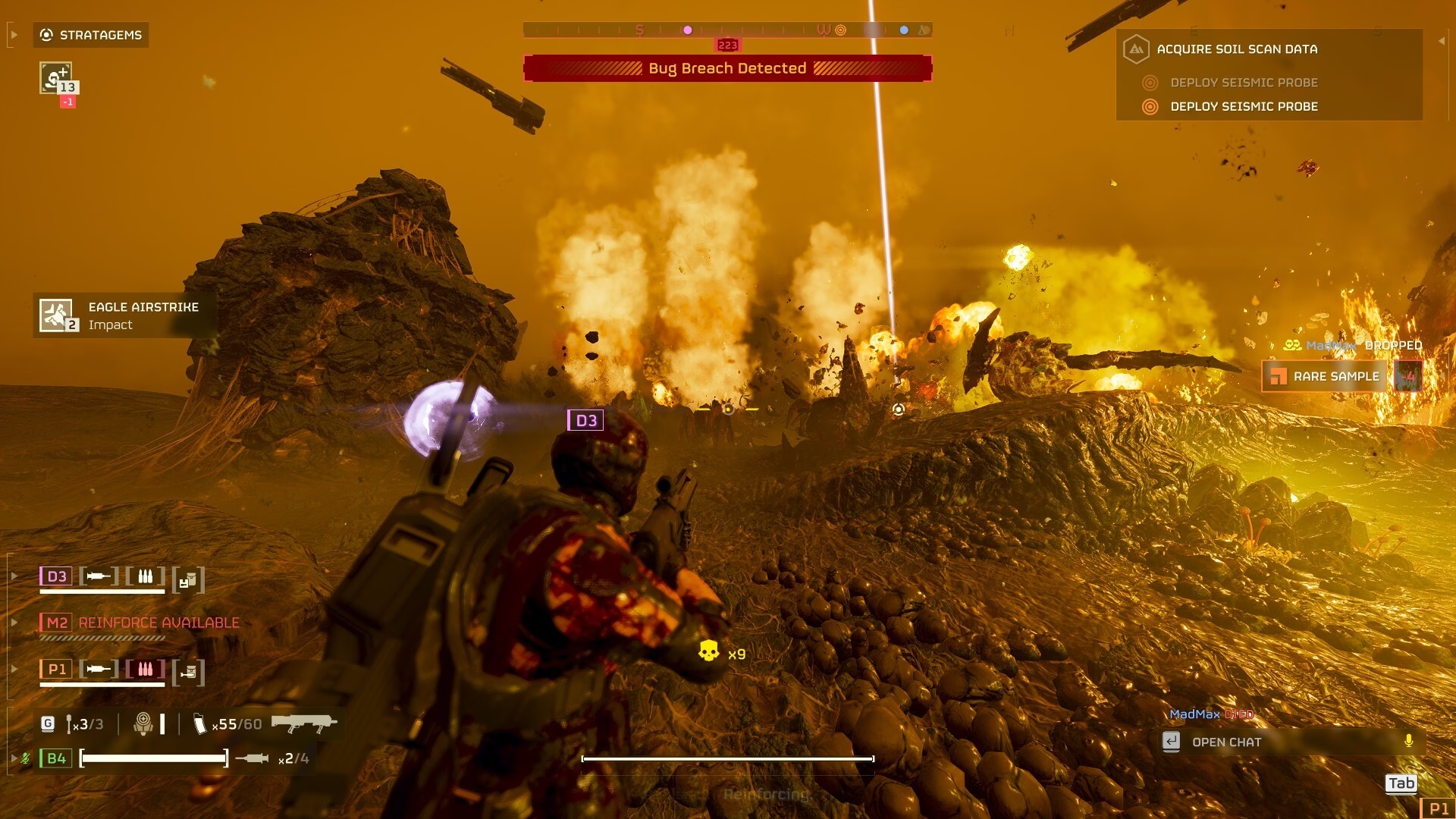
Wheels, pedals, flight sticks, VR headsets. All of it connects to Windows the way it would on a dedicated rig, and your Steam and Epic libraries run at whatever frame rate the card can manage. Test anti-cheat titles with the free version first.
Hardware Support
It is real Windows, so it behaves like it.
Hotplug That Works
Plug something in mid-session and Windows chimes and mounts it.
Audio You Can Track To
Your audio interface uses the native Windows drivers. Monitoring in Ableton or FL Studio stays tight.
The Instrument With One Driver
Safely run your lab whose driver last updated during the Obama administration that will never see a Linux port.
The Whole GPU, Not a Slice
CUDA jobs, renders and training runs see the full card and all of its VRAM.
Wheels, Sticks and Headsets
Force feedback, VR headsets, and flight-sticks work with native windows drivers.
Snapshot Before You Break It
Take a snapshot before a driver update, or before installing something you found on a forum at 2am.
Native Packages
Built and tested on Debian Testing first, with native packages for the major distros.

Debian Family

Fedora Family
Arch Family
Get Started
Install the Package
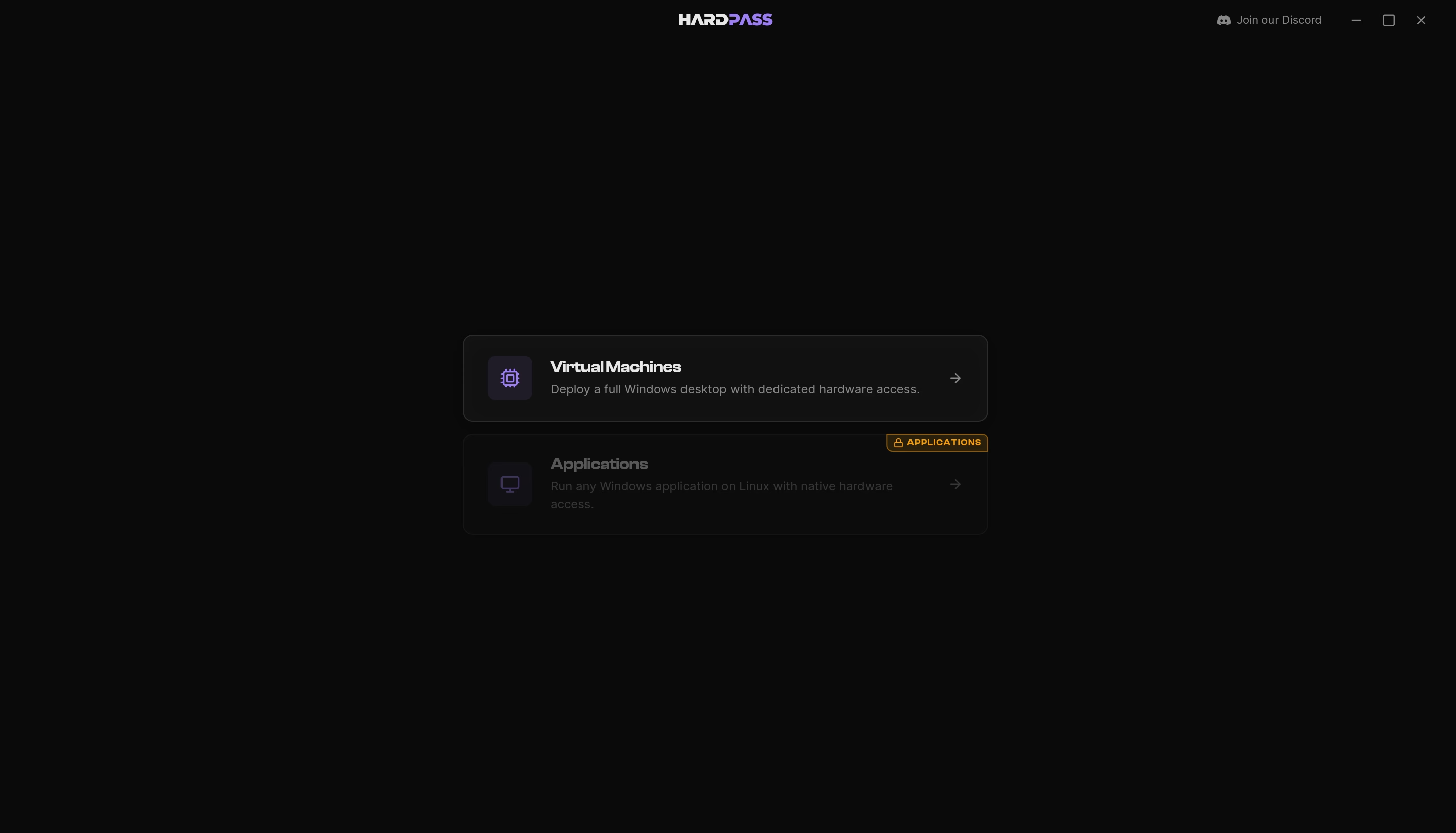
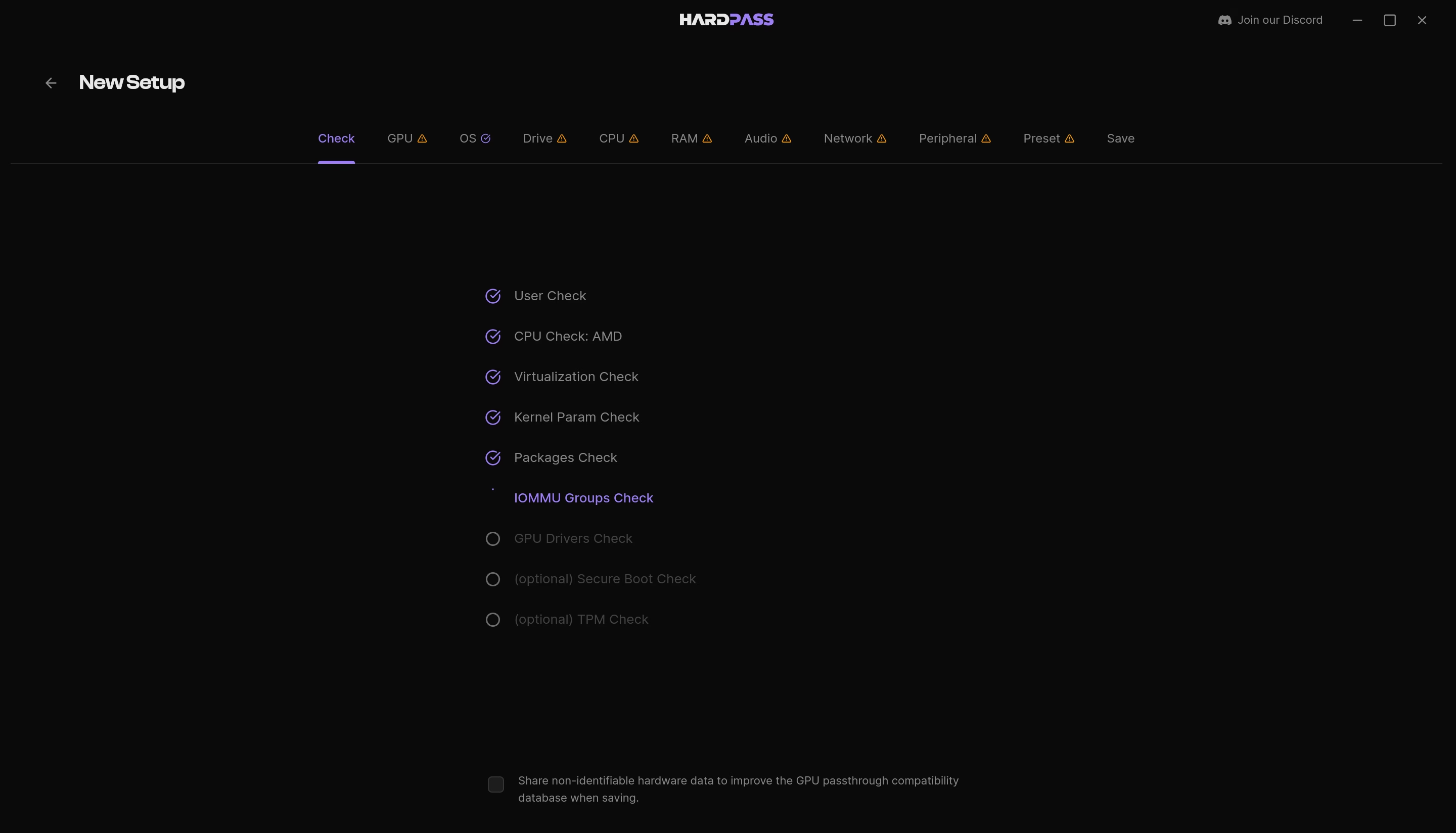
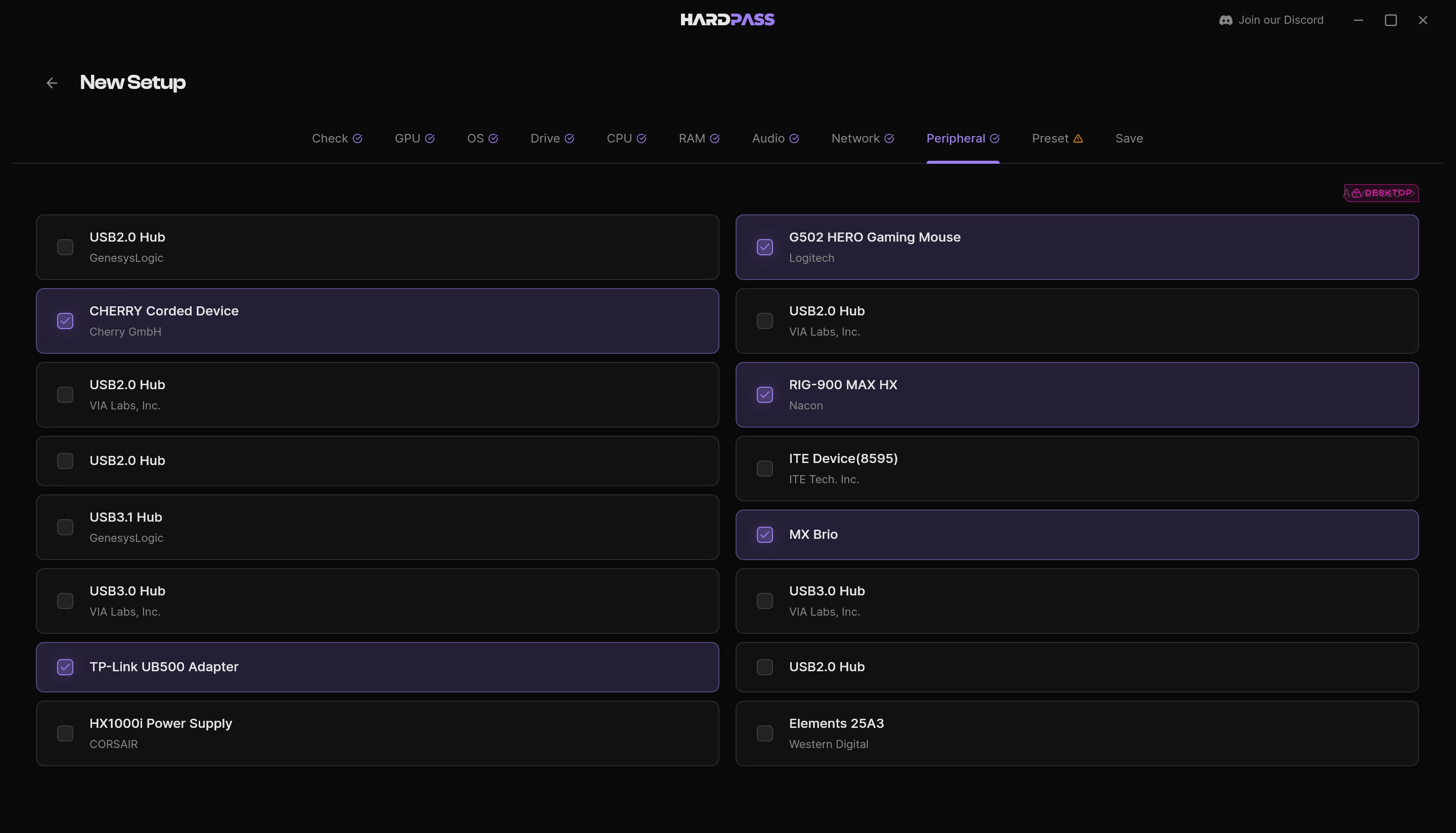
Grab the .deb, .rpm or .pkg for your distro. The installer handles IOMMU groups, kernel parameters and driver binding, so you don't have to work through six wiki pages to get there.
Hand Over the Hardware
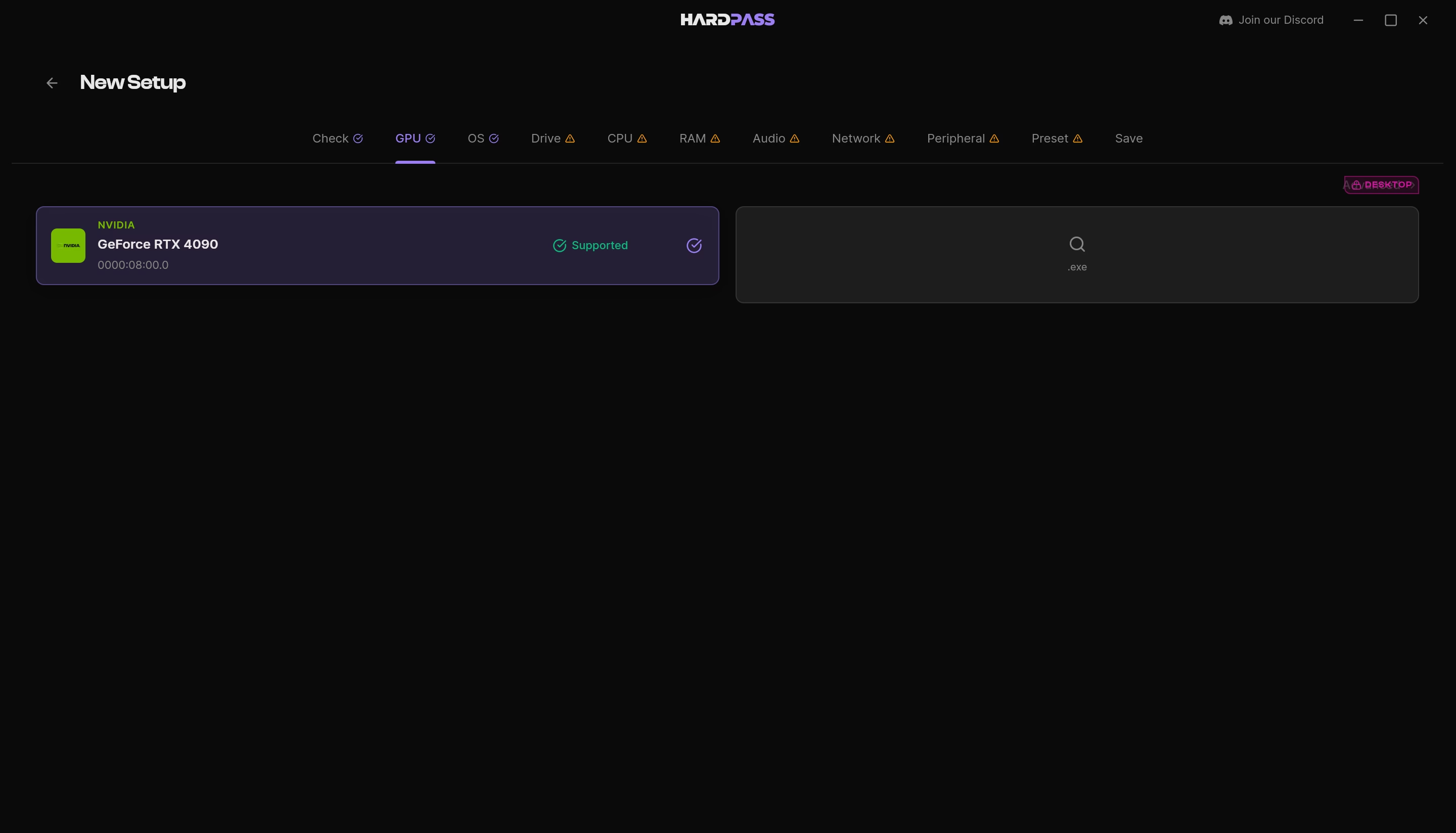
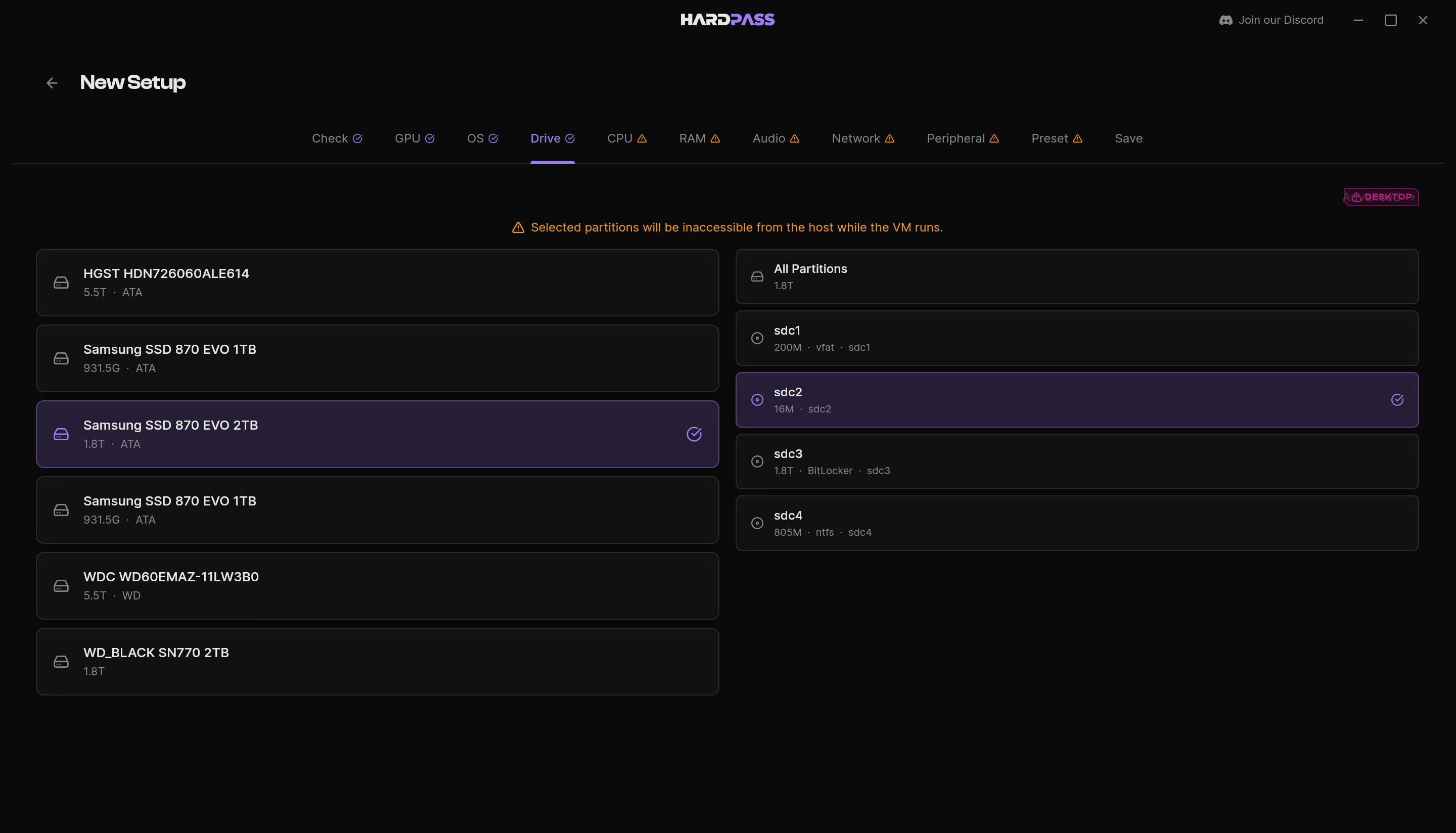
Tick the GPU, the drives and the devices Windows is allowed to touch. Anything you don't tick stays invisible.
Hit Launch
Windows boots on your real GPU in about the time a laptop takes to wake up. Shut it down and the card comes back to Linux.
Coming Soon
Applications Launcher + AMD GPU support
Start Free, Upgrade When Ready
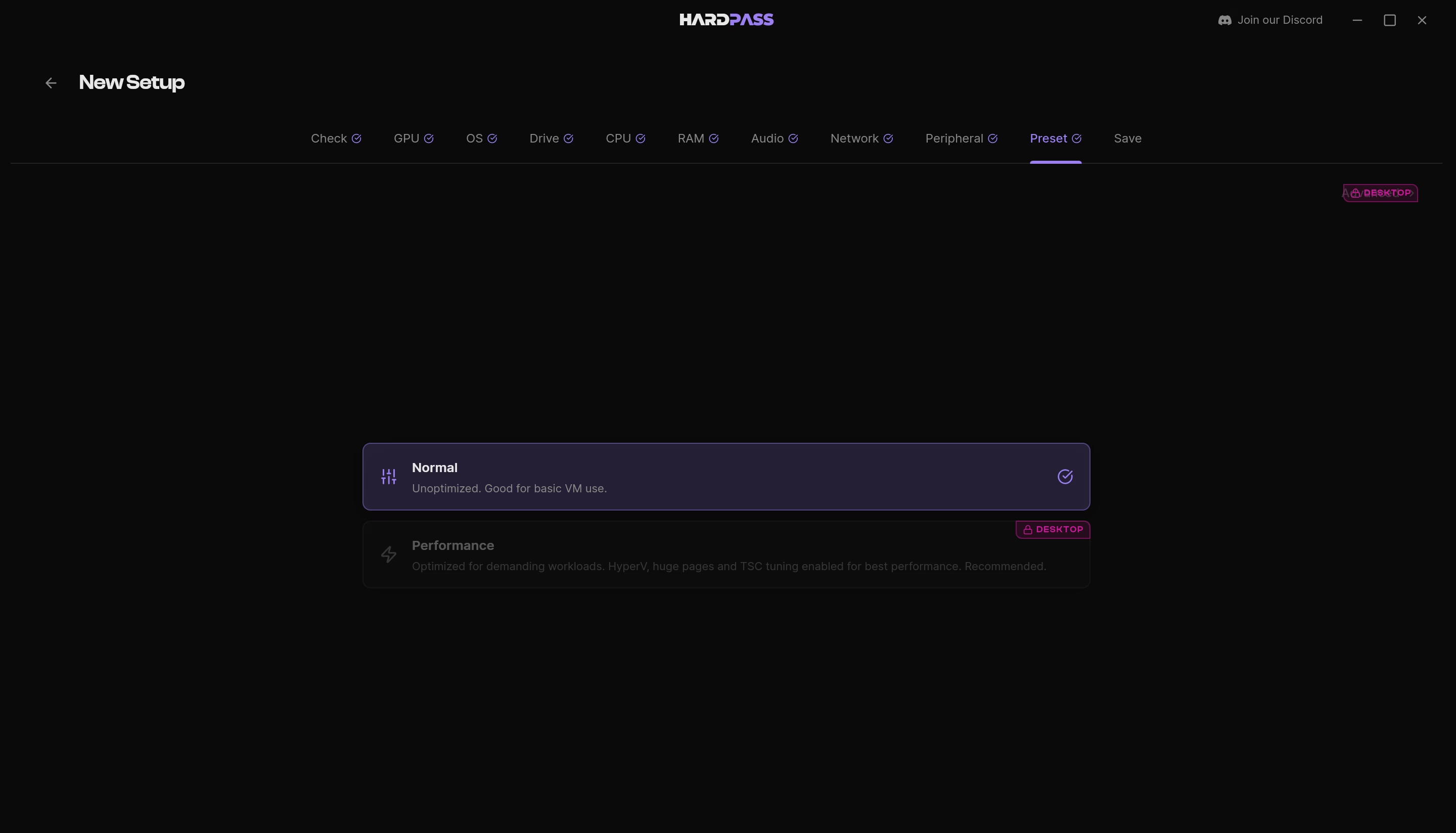
The free version is yours to keep, no credit card and no trial clock. Upgrade only when you want native Windows performance (Desktop) or you need to run Windows and Linux apps together (Seamless).
Free
Perfect for getting started
- Personal Use Only
- Automated Driver Provisioning
- Basic VM Builder
- Native Drive Access
- USB Peripheral Access
- Virtual Machine Launcher (NVIDIA GPU)
- Hardware Compatibility Tester
- No Lock-in (LibvirtXML VM)
- Community Support
Desktop
Coming Soon
One-time payment
Pricing announced at launch
Everything in Free +
- Advanced VM Builder
- Machine-Aware Performance Presets
- USB Hotplugging
- Non-USB Peripheral Access
- Low-Latency Audio
- Performance Controls
- Hardware Fidelity Settings
- GPU State Manager
- Email Support
Seamless
Coming Soon
One-time payment
Pricing announced at launch
Everything in Desktop +
- Applications Launcher
- Snapshots and Rollback
- Experimental Features
- Priority Email Support
Frequently Asked Questions
For most workflows, yes. Creative work, office apps, development tools and gaming all run at native performance, so you can keep Linux as your daily driver and only use HardPass for the apps that need it.
If it runs on a real Windows PC, it will usually run in a HardPass VM. Some anti-cheat systems and low-level drivers can be picky, so use our free version to test your specific apps before switching fully.
Yes. The full Adobe suite installs and runs the way it does on any Windows machine. Your drawing tablet keeps pressure and tilt because it connects with its real Windows driver, and audio interfaces keep theirs, so monitoring stays tight enough to track with.
That case is one of the main reasons HardPass exists. If the driver installs on a real Windows machine it installs here, because this is real Windows talking to your real hardware. The instrument connects directly, and the software that drives it sees only what you hand it.
Wine and Proton translate Windows calls into Linux ones on the fly, which works until an app depends on something the translation misses. HardPass runs actual Windows with direct access to your hardware, so compatibility is whatever Windows supports including drivers, so your drawing tablets, audio gear, Windows-only instruments and controllers connect as real hardware. Keep Proton for the games it handles well and use HardPass for everything it can’t.
A computer from 2016 or newer with a dedicated desktop GPU, not an integrated or laptop GPU. Run the built-in compatibility check and HardPass will tell you if it’s supported. For the technical folk: only a single GPU is needed on the system (Nvidia 10-series or newer, or AMD 5000-series or newer) and an AMD or Intel CPU with virtualization and IOMMU enabled in firmware, systemd and QEMU 9.2+.
We develop and test on Debian Testing, so that is the best supported. We also build native packages for Ubuntu LTS (26.04+), Fedora (latest supported), Arch and CachyOS. Linux Mint and Pop!_OS are coming once Mint 23 and the 26.04 base ship. Fair warning: rolling distros like Arch and CachyOS occasionally break things upstream before we can catch up.
Yes. HardPass provides the virtualization platform. You are responsible for providing your own operating system installation media and valid licenses for Windows or any other proprietary software you choose to run.
Yes. Your GPU, monitors, drawing tablet, audio interface, flight sticks, and other peripherals work as if they were plugged straight into a Windows machine.
Ready to Switch to Linux?
Switch without leaving anything behind.